
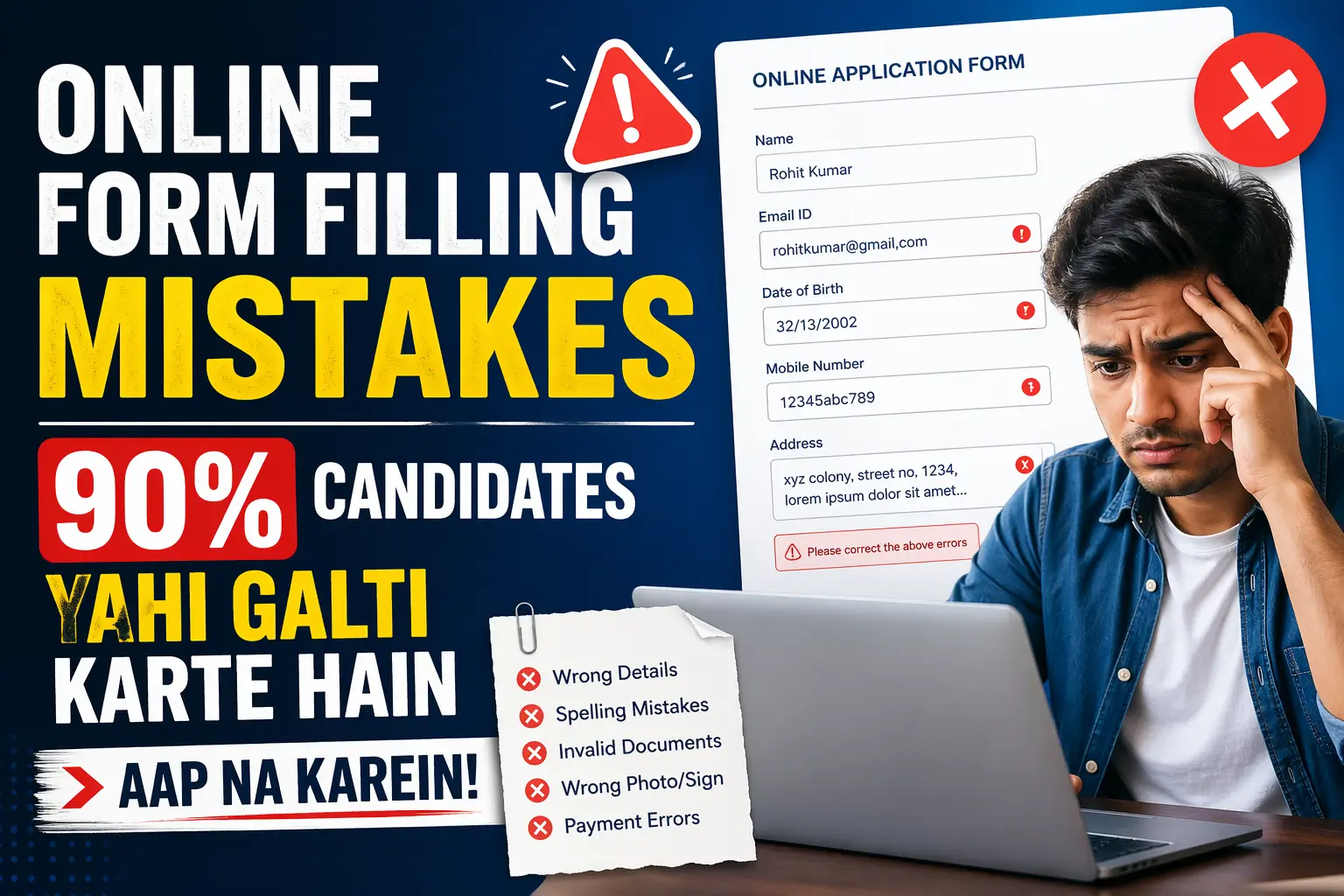
Aapne poori raat jaag ke form bhara - aur reject is liye hua kyunki photo 8KB zyada thi. Yeh frustrating hai, lekin yeh reality hai lakhon candidates ki. Photo aur signature upload karna lagta hai simple hai - lekin yahan ek chhoti si galti bhi form reject karwa sakti hai.
Is guide mein hum cover karenge har woh galti jo candidates photo aur signature upload karte waqt karte hain, aur unka exact solution bhi.
TL;DR
- ✅ Format: Hamesha JPEG/JPG use karein jab tak kuch aur na kaha jaye
- ✅ Size: 10KB - 100KB ke beech rakhein (notification check zaroor karein)
- ✅ Background: White ya off-white plain background
- ✅ Photo: Professional, recent, formal dress
- ✅ Signature: White paper, blue/black pen, clear scan
- ✅ Tools: Squoosh.app, ILoveIMG compression ke liye
Yeh Guide Kyun Zaroori Hai?
Government job, college admission, scholarship, competitive exam - in sab mein photo aur signature upload mandatory hai. Aur har portal ki requirements alag hoti hain.
UPSC, SSC, Railway (RRB), Bank (IBPS, SBI), State PSCs - sab ke different specifications hain. Ek portal 20KB-50KB maangta hai, doosra 10KB-100KB. Ek JPEG maangta hai, koi-koi PNG bhi accept karta hai.
Isliye sabse pehla rule: Notification padhen.
Photo Upload Mein Common Galtiyan
Galti 1: Galat Format (PNG ke jagah JPEG)
Yeh sabse common technical mistake hai.
Kaise hoti hai: Mobile ya camera se photo khinchayi - PNG format mein save hui. Direct upload kar diya.
Kyun reject hota hai: Government portals mostly JPEG/JPG hi accept karte hain. PNG format ka file size bhi zyada hota hai.
Fix:
- Windows: Paint mein open karein → Save As → JPEG
- Mobile: Gallery mein jaayein → Share → “Save as JPEG”
- Online: CloudConvert.com ya ILoveIMG.com
Galti 2: File Size Limit Cross Karna
Kaise hoti hai: Studio se maili high-resolution photo seedha upload kar di. Ya 5MB ki selfie use ki.
Kyun reject hota hai: Portal literally file reject kar deta hai agar size limit cross ho.
Fix - Photo Compress Karna:
Online Tools (Free):
- Squoosh.app - Google ka tool, best quality maintain karta hai
- TinyJPEG.com - simple aur fast
- ILoveIMG.com - batch compress bhi kar sakta hai
Mobile Apps:
- Photo Compress & Resize (Android)
- Image Size (iOS)
Target: Notification mein jo size likhi ho, ussi ke andar rakhen - ekdum safe margin ke saath.
Galti 3: Bahut Chhoti File Size
Aaya ye bhi hota hai - candidates compress karte karte photo 3-4KB kar dete hain. Tab quality itni kharab ho jaati hai ki portal accept nahi karta ya verification mein problem hoti hai.
Fix: Minimum size (jaise 10KB) se thoda upar rakhein - jaise 15-20KB.
Galti 4: Galat Background
Kaise hoti hai: Colorful background waali photo use ki. Outdoor photo use ki.
Sarkari forms ke liye required: White ya off-white plain background.
Fix:
- Studio se photo khichawaate waqt white background specify karein
- Ya Remove.bg tool se background white karein (free online tool)
Galti 5: Purani Photo Use Karna
Kai candidates wahi photo use karte hain jo 5-7 saal pehle khinchi thi.
Kyun problem hai: Look bilkul alag ho jaata hai. Interview ya document verification mein identity mismatch ho sakta hai.
Rule: Photo 3-6 mahine se zyada purani nahi honi chahiye. Kuch forms explicitly “recent photograph” likhte hain.
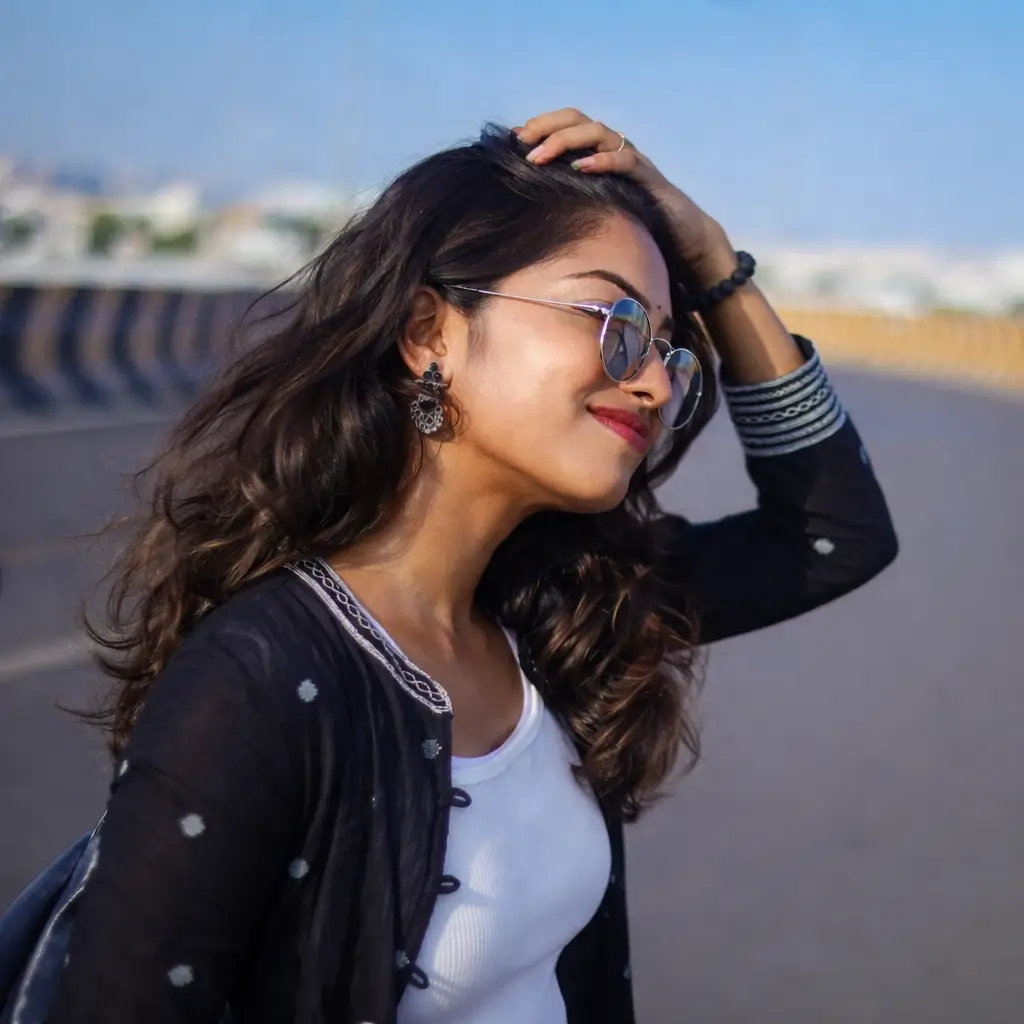
Galti 6: Sunglasses, Cap Ya Mask Pehenna
Yeh obvious lagta hai - lekin candidates is galti mein phastes hain, especially agar unke paas professional photo nahi hoti.
Strictly avoid karein: Sunglasses, regular glasses (zyada tar), cap, helmet, mask, dupatta covering face.
Galti 7: Photo Cropping Galat Hona
Photo mein bohot zyada background ya bohot kam face dikhna - dono galat hain.
Standard passport photo crop: Face aur shoulders clearly visible, face 70-80% of frame occupy kare.
Free tool: PhotoScissors.com - auto crop karta hai passport size mein.
Signature Upload Mein Common Galtiyan
Galti 1: Ruled Paper Ya Colored Paper Par Signature
Correct: White plain A4 ya A5 paper.
Galat: Notebook (lines wali), colored paper, tissue paper.
Galti 2: Pencil Ya Light Ink Se Signature
Pencil ya faded pen se kiya hua signature scan mein clearly nahi dikhta.
Correct: Black ya dark blue ballpoint pen - medium thickness.
Galti 3: Signature Too Large Ya Too Small
Bahut bada signature = zyada whitespace crop karna padta hai, quality kharab hoti hai. Bahut chhota signature = readable nahi hota.
Best practice: Paper ke ek-chauthai hisse mein signature karein - comfortable size mein.
Galti 4: Signature Scan Mein Background Grey Hona
Scanner setting galat ho ya phone camera ka lighting thik na ho toh background grey ya yellow dikha deta hai.
Fix:
- Bright natural light mein photograph lein
- Ya scanner ka “enhance” ya “auto-correct” mode use karein
- CamScanner app - best background whitening mobile app hai
Galti 5: Signature Ke Around Extra Space
Cropping theek nahi hoti aur signature file mein bahut zyada blank space hota hai.
Fix: MS Paint ya any basic image editor mein crop tool use karein - sirf signature ke around tight crop karein.
Ready-Made Checklist - Upload Karne Se Pehle
Photo Checklist:
- Format: JPEG/JPG ✓
- Size: Limit ke andar ✓
- Background: White ✓
- Face: Clearly visible, neutral expression ✓
- No glasses, cap, mask ✓
- Recent photo (3-6 months) ✓
- Formal attire ✓
Signature Checklist:
- White plain paper ✓
- Black/blue pen ✓
- Scan/photo clear hai ✓
- Background white/near-white ✓
- Size limit ke andar ✓
- Format: JPEG ✓
- Tight crop - sirf signature ✓
Recommended Free Tools
| Tool | Use Case | Link |
|---|---|---|
| Squoosh.app | Photo compress | squoosh.app |
| ILoveIMG.com | Resize + compress | iloveimg.com |
| Remove.bg | Background remove | remove.bg |
| CamScanner (App) | Mobile scanning | Play Store/App Store |
| TinyJPEG | Quick compress | tinyjpeg.com |
Conclusion
Photo aur signature upload mein galtiyan prevent karna bahut easy hai - bas ek baar yeh checklist follow karein. Har form bharne se pehle notification padhen, size aur format note karein, aur upload karne se pehle preview zaroor check karein.
📌 Wapas jayein main guide par: Online Form Filling Mistakes - Complete Guide
📌 Aage padhen: Aadhar-PAN Naam Mismatch - Form Mein Kyun Hoti Hai Yeh Galti